Choose & pay
Select a flavor on the touchscreen and complete payment with your configured payment method.
A connected smoothie system combining frozen storage, guided ordering and cup-based blending.
Color concepts · Availability and customization to confirm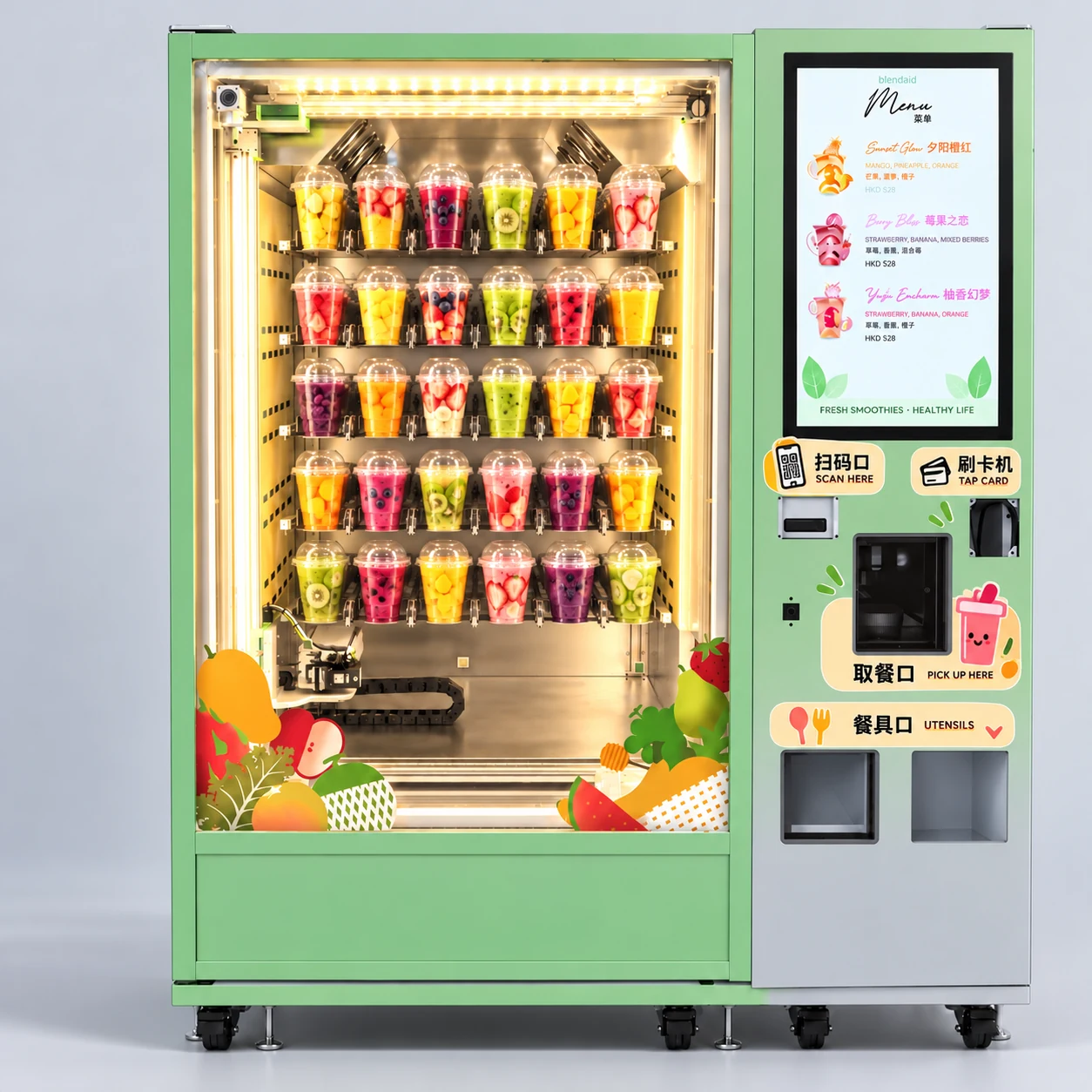
Explore cabinet layouts, exterior finishes and equipment details.
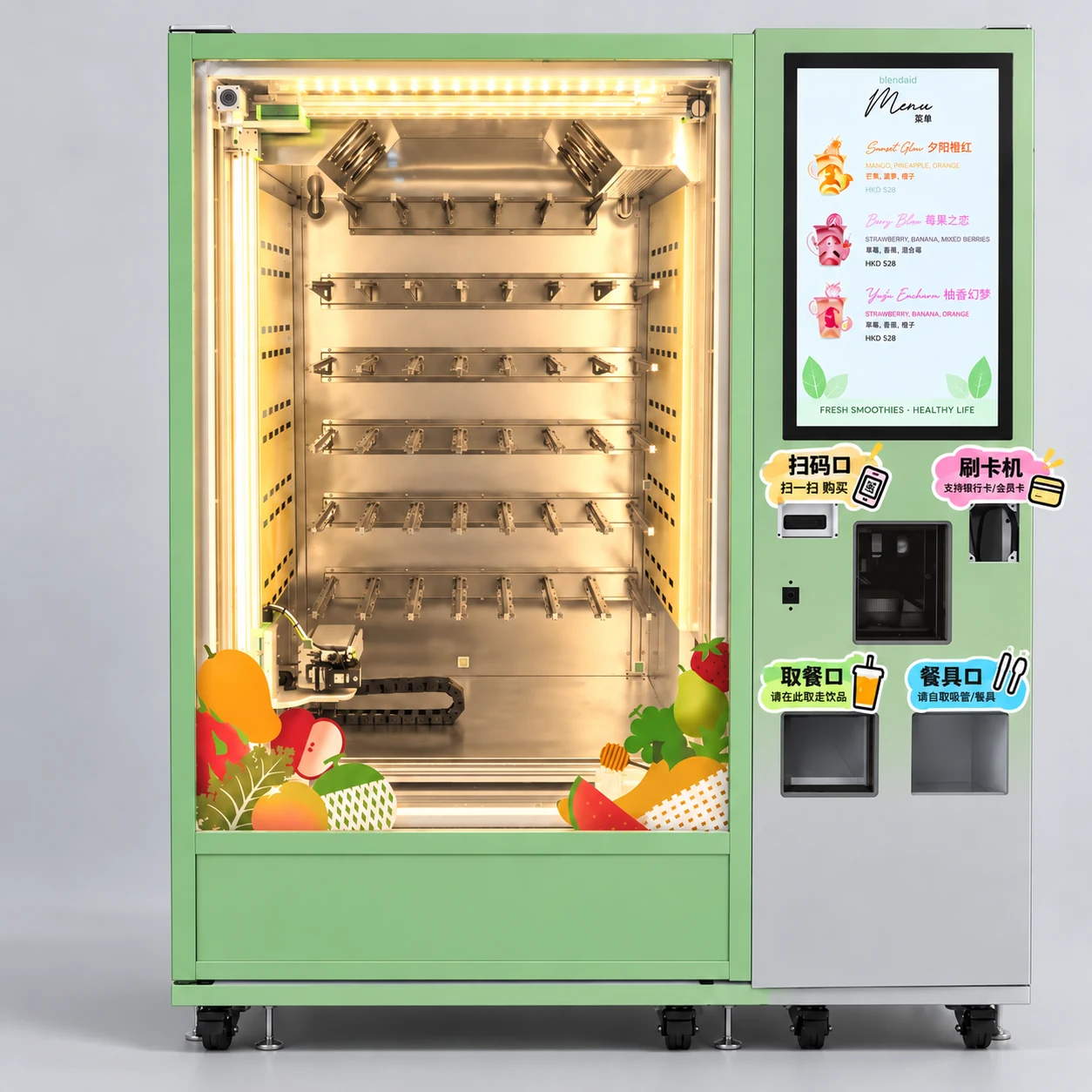
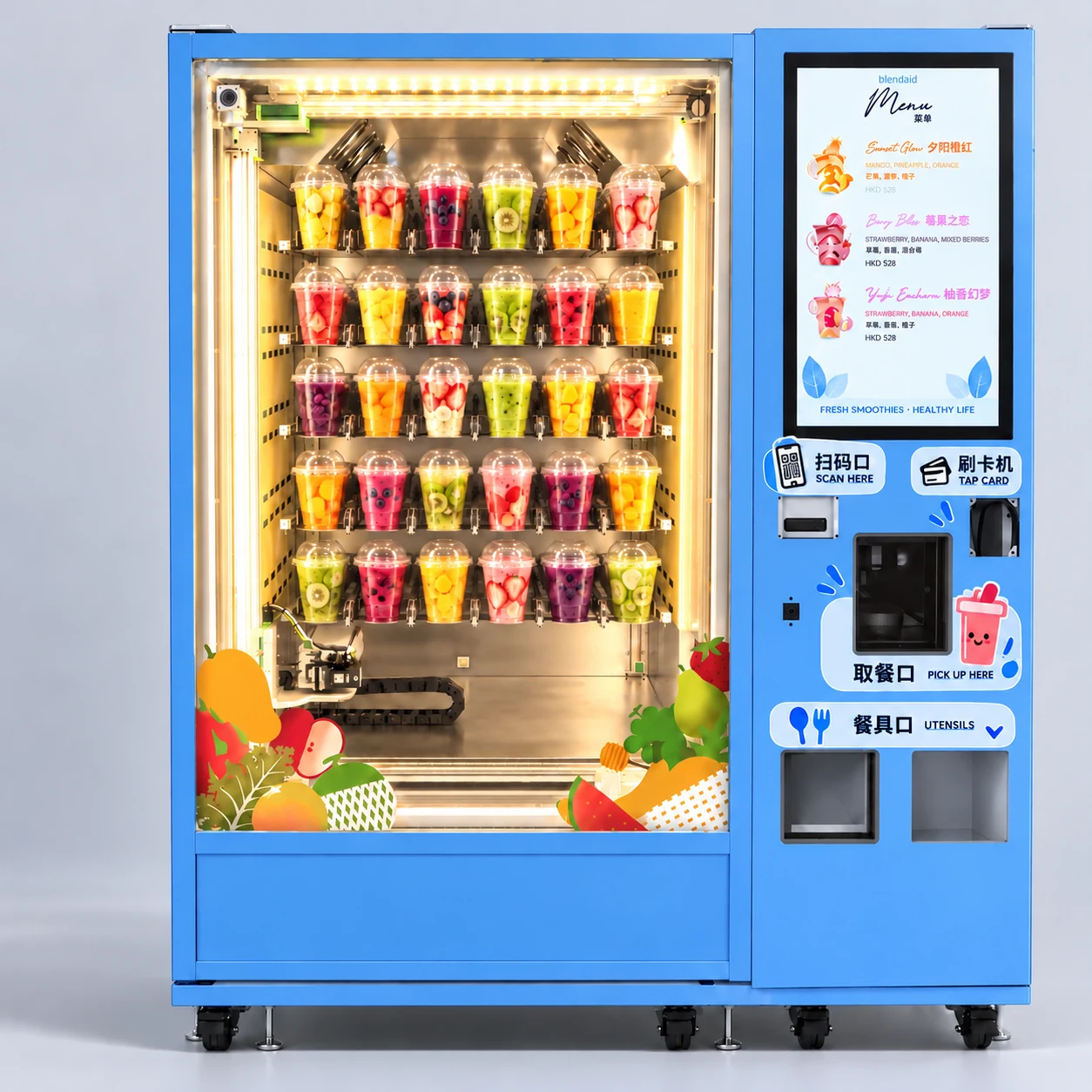
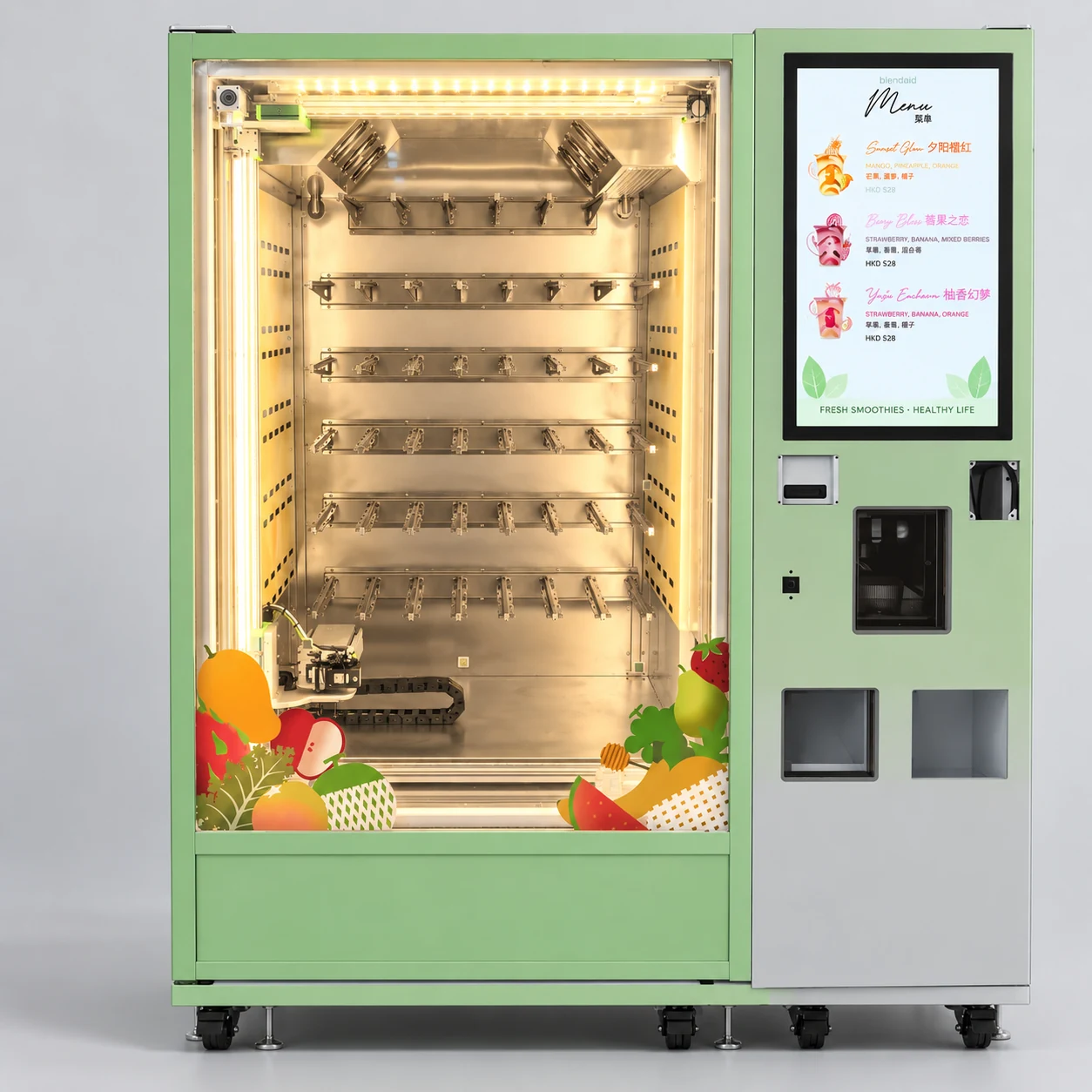
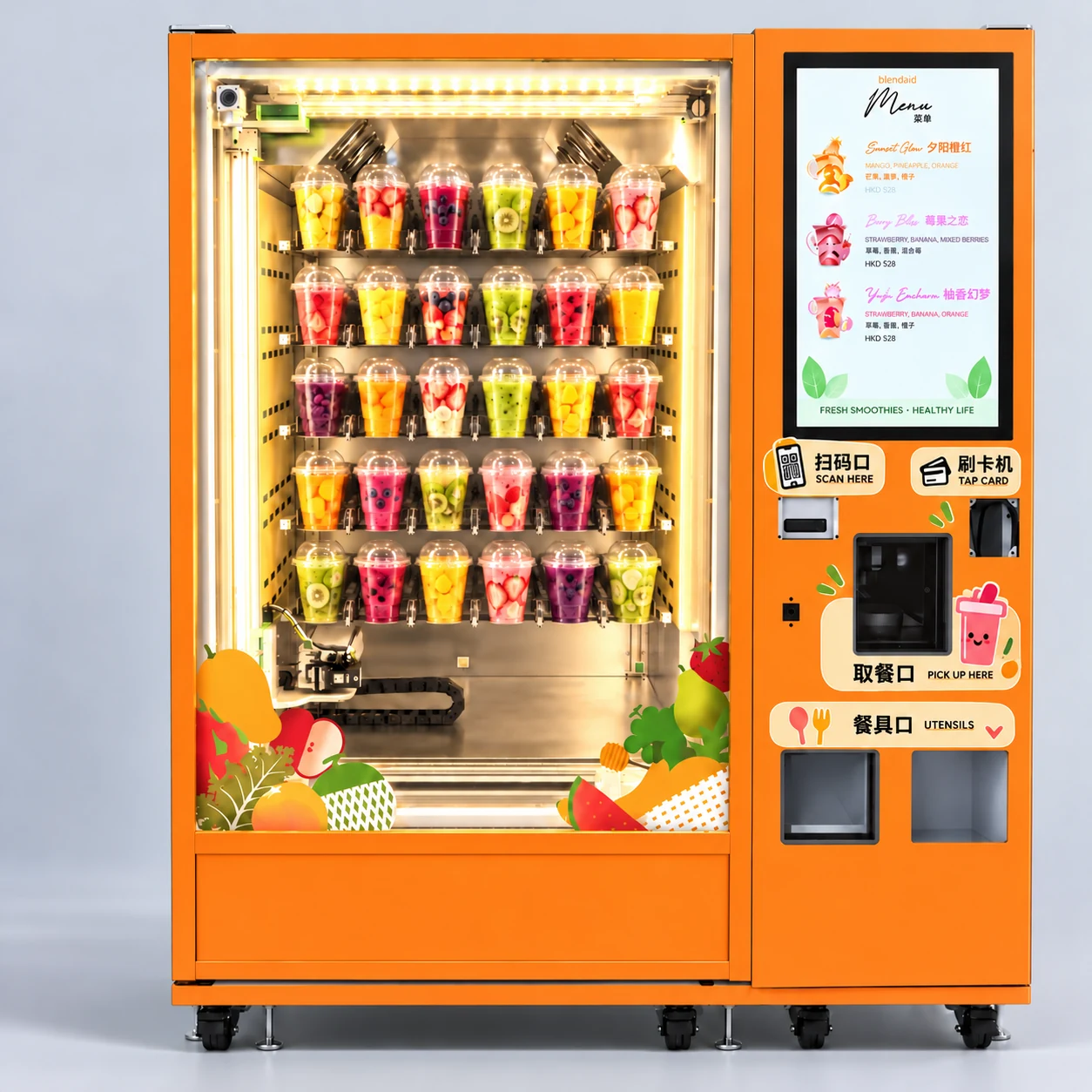
Designed around frozen fruit cups, with a few simple steps by the customer.
Select a flavor on the touchscreen and complete payment with your configured payment method.
Take the frozen fruit cup from the dispenser. Open the lid and remove the seal.
Scan the cup’s QR code, then place the cup in the processing chamber for blending.
Collect your smoothie and straw. The machine runs its automatic cleaning cycle.
| Manual model | S13032501A001 |
| Standard capacity | 160 cups |
| Fixed channels | 40 |
| Touchscreen | 27 inches |
| Freezer temperature | −18°C |
| Preparation time | Approximately 1–3 minutes |
| Connectivity | 4G and Wi-Fi; optional 5G |
| Power supply | AC220V / 50Hz |
| Standby / maximum power | 800W / 3000W |
| Dimensions (W × D × H) | 1600 × 1012 × 1910 mm |
| Compatible cups / liquid containers | Final dimensions and maintenance conditions to confirm |
Preliminary manual data; subject to product-team confirmation. 800W is a power rating, not daily energy consumption.
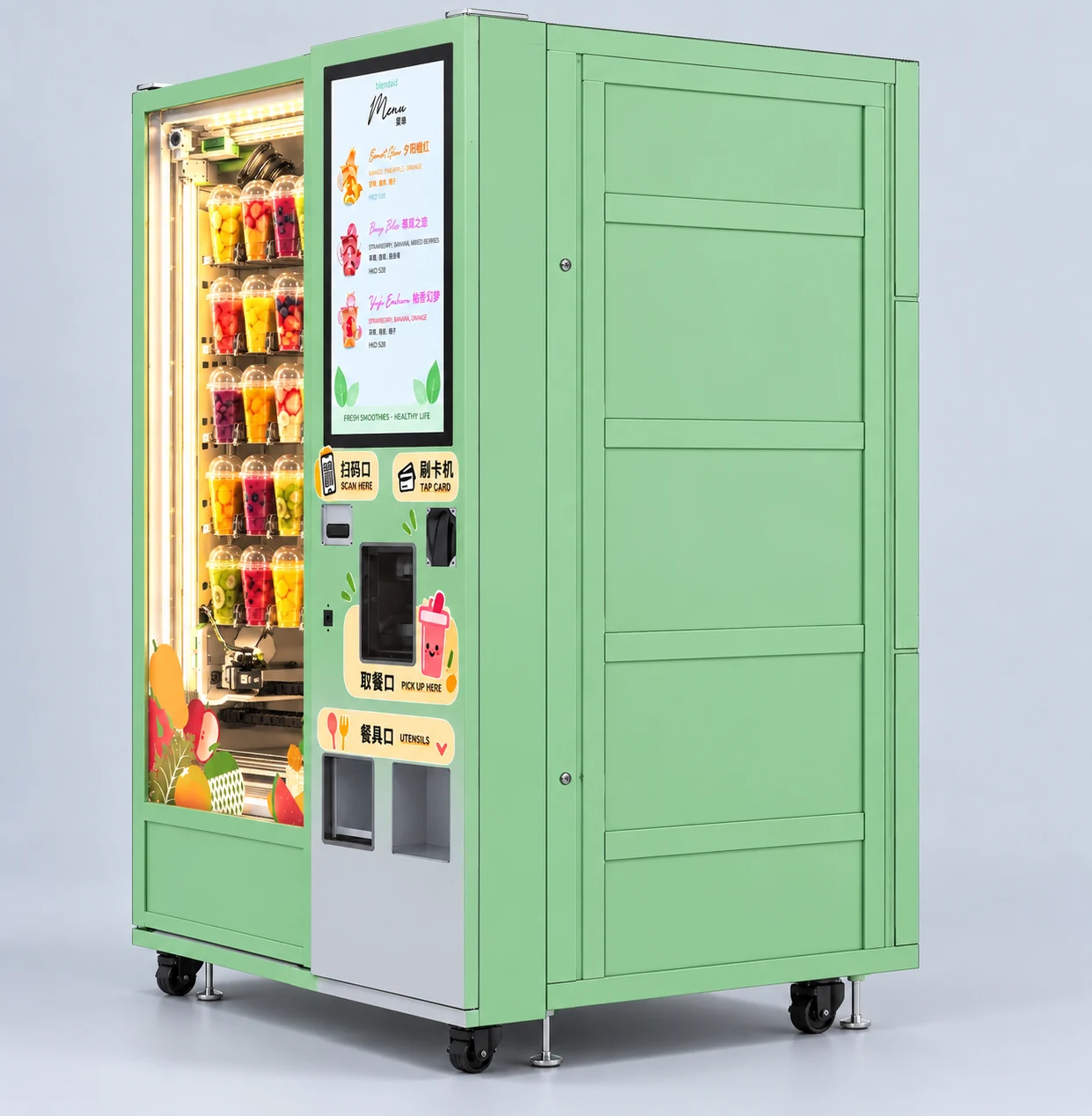
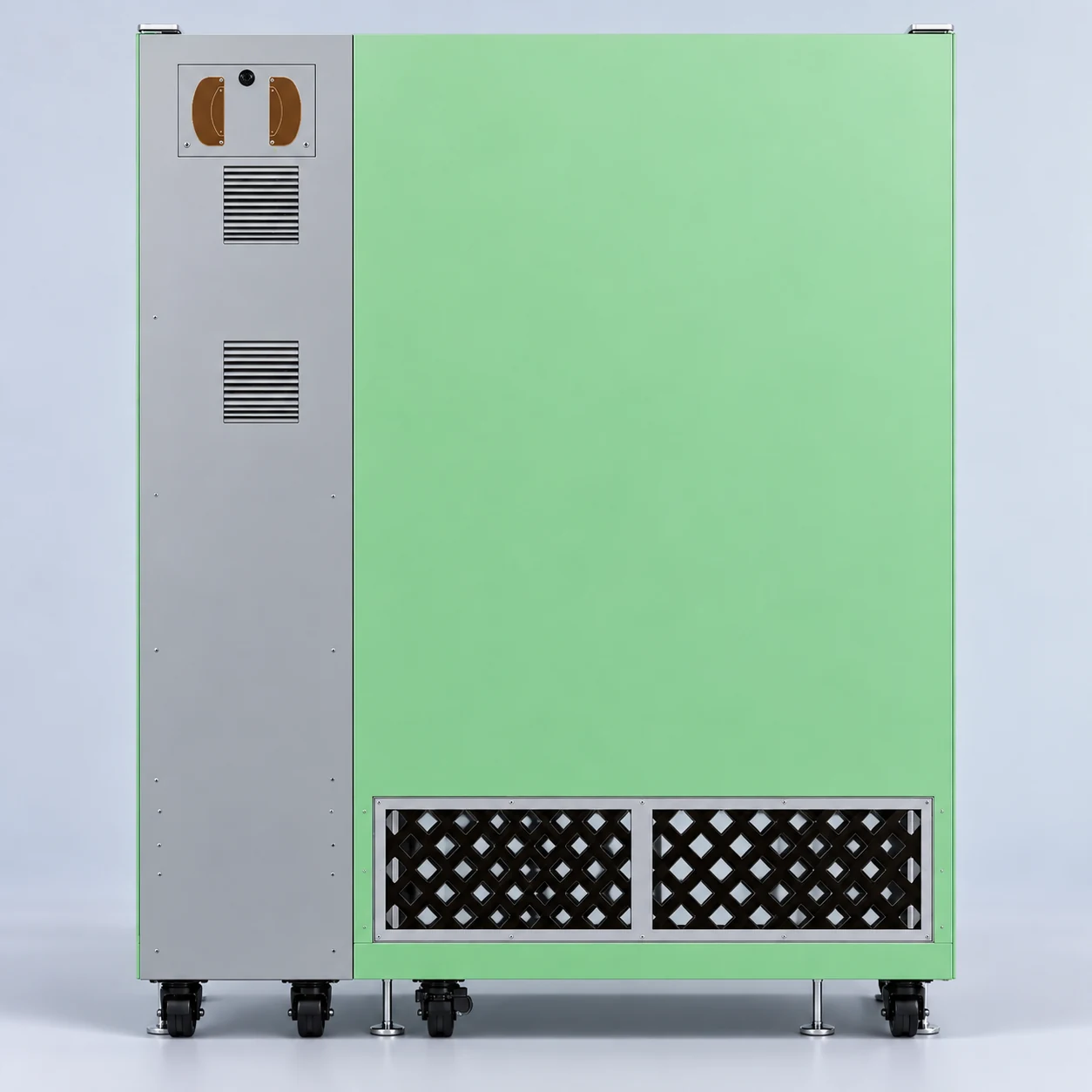
Allow additional clearance for doors, ventilation and servicing. The rear view shows the ventilation layout.
Discuss exterior graphics, logo placement, interface languages and regional payment configurations with the team.
Green, orange and blue concept finishes. Final finish and graphic customization need confirmation.
4G and Wi-Fi in the preliminary specification, with 5G listed as an option.
Confirm compatible cups, ingredient supply, liquid containers and maintenance workflow before purchase.
Tell us about your location and equipment needs.